
Calendly's free plan gives you one event type, and paid seats start at $10 per user per month on annual billing, which adds up fast once a second person needs a link. This list ranks 10 Calendly alternatives by hard free plan limits (event types, calendars, payments and users you get at $0), with every price checked on the vendor's own site. It's written for founders, freelancers and small teams who want a good booking link without a per-seat habit.
Find scheduling and productivity tools on Maarket →
Quick Answer
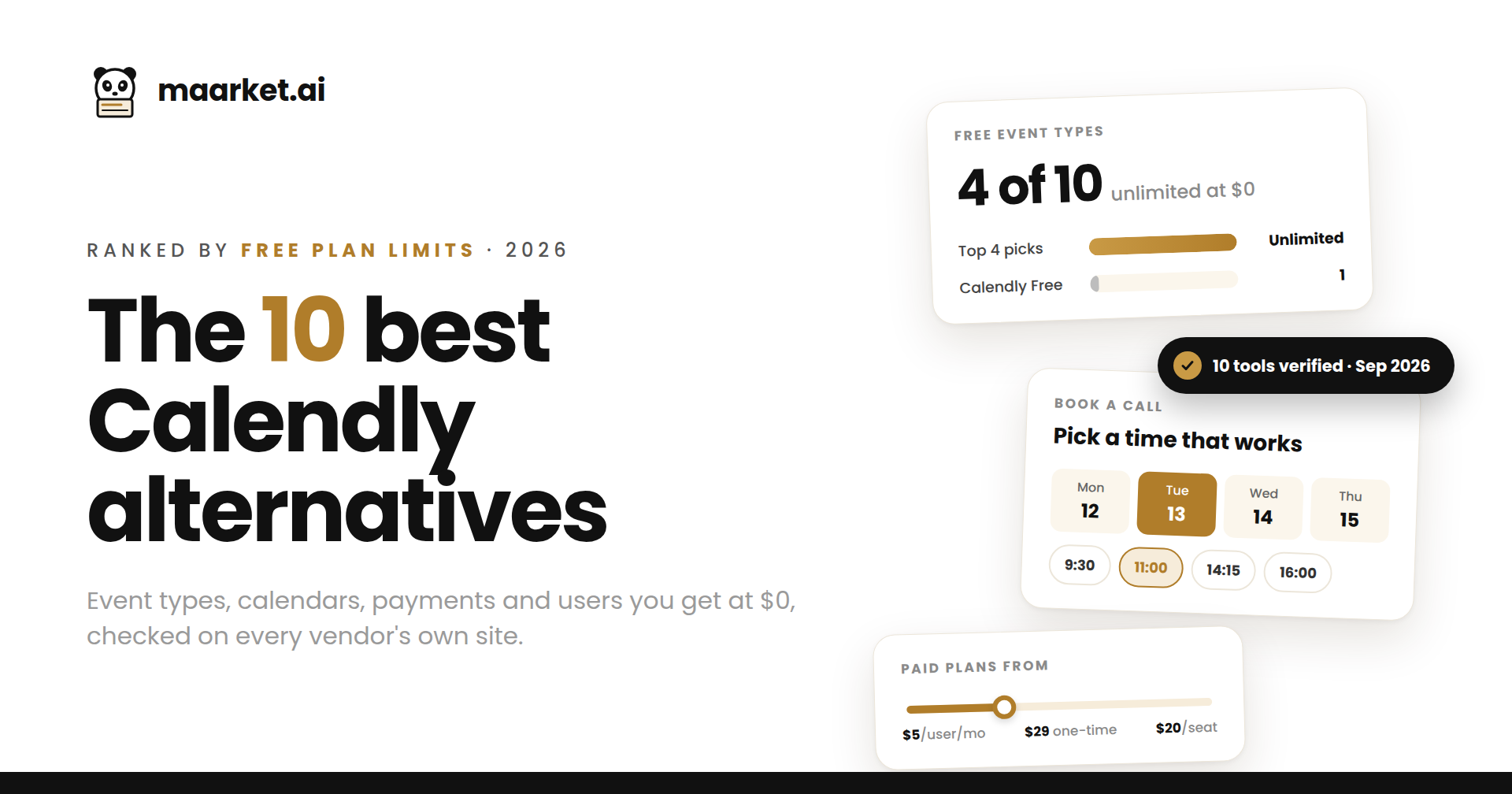
Ranked by what you get at $0, the best Calendly alternatives in 2026 are Cal.com, zcal, Koalendar and TidyCal. All four offer unlimited event types on their free plan, against one on Calendly Free, and three of them let you take payments without upgrading. For small teams, Setmore is free for up to 4 users and 200 appointments a month.
Tools bundled into software you may already use punch above their weight. HubSpot's free tools include a meeting link for up to 2 users that logs every booking in the CRM, and any personal Google account can publish one booking page from Google Calendar. On price, Setmore Pro is the cheapest subscription at $5 per user per month, and TidyCal is the only one you can buy outright, for a one-time $29.
Why this list matters
We built this list from scratch and checked every free plan limit and paid price on the vendor's own pricing page or help center on September 29, 2026, not on other roundups. Many popular lists still call Cal.com open source, even though its production code went closed source in April 2026, and few mention that its EU-hosted Cal.eu shuts down on November 1, 2026. Where a vendor doesn't publish a price in plain text, we say so instead of guessing.
Calendly alternatives at a glance
| Stat | Result |
|---|---|
| Tools ranked | 10 (from 16 candidates reviewed) |
| Tools with a free-forever plan | 10 of 10 |
| Free plans with unlimited event types | 4 (Cal.com, zcal, Koalendar, TidyCal) |
| Free plans that accept payments | 5 (Cal.com, zcal, TidyCal, Setmore, YouCanBookMe) |
| Largest free team allowance | Setmore, up to 4 users |
| Cheapest paid subscription | Setmore Pro, $5 per user/month billed annually |
| One-time payment option | TidyCal Individual Lifetime, $29 |
| Paid prices published in plain text | 7 of 10 |
| Calendly baseline | Free: 1 event type. Standard: $10/seat/monthannual($12 monthly). Teams: $16/seat/month annual |
Every tool here has a free tier, but the limits vary more than the marketing suggests. Four give a solo user unlimited event types, five cap you at a single booking page or link, and Zoho Bookings matches Calendly Free's one event type but earns its spot through Zoho CRM sync. The other split is structural: free-first booking tools on one side, and scheduling as a feature inside a CRM, your calendar or an AI planner on the other.
10 Calendly alternatives ranked by free plan limits
Ranking order: event types or booking pages at $0, then calendars checked, then payments, then users, with paid entry price as the final tie-breaker.
| # | Tool | Event types / pages at $0 | Calendars at $0 | Payments at $0 | Users at $0 | Paid from |
|---|---|---|---|---|---|---|
| 1 | Cal.com | Unlimited | Unlimited | Yes (Stripe, PayPal) | 1 | Teams: $12/user/month (annual) |
| 2 | zcal | Unlimited links | Unlimited | Yes (Stripe, with commission) | 1 | Price not published in page text (Pro, Business) |
| 3 | Koalendar | Unlimited | 2 | No | 1 | Pro: $9.99/seat/month (annual) |
| 4 | TidyCal | Unlimited | 1 | Yes (Stripe, PayPal; 1% fee) | 1 | $29 one-time, or Pro $12/month |
| 5 | Setmore | 1 booking page, 200 appointments/month | 1 (Google sync) | Yes | 4 | Pro: $5/user/month (annual) |
| 6 | YouCanBookMe | 1 | 1 | Yes (Stripe, fees apply) | 1 | Price not published in page text |
| 7 | HubSpot Meetings | 1 personal meeting link | Google or Office 365 | Not included | 2 | Sales Hub Starter: $20/seat/month (list) |
| 8 | Reclaim.ai | 1 scheduling link | 1 calendar sync | Not included | 1 | Starter: $10/seat/month (annual) |
| 9 | Google Calendar appointment schedules | 1 | 1 | No (premium) | 1 | Workspace Business Standard: $14/user/month (annual) |
| 10 | Zoho Bookings | 1 | 1 | No (Premium plan) | 1 | Price not published in page text (Basic, Premium) |
Calendly alternative profiles
1. Cal.com
Unlimited event types and calendars at $0 · Developer-friendly scheduling platform Cal.com gives one free user unlimited event types and calendar connections, Stripe and PayPal payments, two-way Salesforce and HubSpot sync, and one-click Calendly import. Teams costs $12 per user monthly on annual billing. Best suited for startups that will need round-robin and routing later.
2. zcal
Unlimited links and calendars at $0 · Personalized booking pages zcal gives individuals unlimited scheduling links and calendar connections, Zoom, Meet and Teams links, meeting polls and Stripe payments for free. Paid Pro and Business plans add team scheduling, commission-free payments, branding removal and custom domains, with a 14-day trial. Best suited for freelancers who care about design.
3. Koalendar
Unlimited booking pages and 2 calendars at $0 · Free-first booking page Koalendar's free plan covers unlimited bookings, event types and booking pages, conflict checks across two calendars, Google Meet links and one-click Calendly import. Pro, at $9.99 per seat monthly on annual billing, adds payments, reminders, group sessions and team scheduling. Best suited for coaches, tutors and consultants.
4. TidyCal
Unlimited booking types and payments at $0 · Lifetime-deal scheduler TidyCal's free plan includes unlimited bookings and booking types, recurring and package bookings, and Stripe or PayPal payments with a 1% platform fee, all on one connected calendar. Upgrades are a one-time $29 lifetime plan or Pro at $12 monthly. Best suited for solopreneurs who sell sessions.
5. Setmore
4 users and 200 appointments a month at $0 · Service business appointment scheduler Setmore's free plan covers up to 4 users and 200 appointments a month, with a branded booking page, online payments, email reminders and iOS and Android apps. Pro, from $5 per user monthly billed annually, adds SMS reminders, recurring appointments and two-way sync. Best suited for salons, studios and clinics.
6. YouCanBookMe
1 booking page with payments at $0 · Customizable booking page YouCanBookMe's free-forever plan gives you one booking page on one calendar, Stripe payments, meeting polls and single-use links, in exchange for a "Powered for free" badge. Paid Individual, Professional and Team plans add pages and calendars, with a 14-day trial. Best suited for freelancers taking paid sessions.
7. HubSpot Meetings
1 meeting link for 2 users at $0 · CRM-native meeting scheduler HubSpot Meetings sits inside HubSpot's free tools, which cover up to two users. You get a personal meeting link synced to Google or Office 365, and each booking lands in your CRM. Sales Hub Starter, listed at $20 per seat monthly, unlocks more links. Best suited for HubSpot sales teams.
8. Reclaim.ai
1 scheduling link at $0 · AI calendar assistant Reclaim.ai is an AI calendar assistant that schedules your tasks around your meetings, with booking links built in. The free Lite plan includes one scheduling link, one calendar sync and a one-week scheduling range. Starter costs $10 per seat monthly on annual billing. Best suited for meeting-heavy individual contributors.
9. Google Calendar appointment schedules
1 booking page at $0 · Built-in calendar booking Any personal Google account can publish one booking page from Google Calendar with nothing to install. Unlimited pages, email reminders, Stripe payments, booker verification and multi-calendar checks need Google One Premium or an eligible Workspace plan, such as Business Standard at $14 per user monthly. Best suited for single-meeting users.
10. Zoho Bookings
1 user and 1 event type at $0 · Zoho-ecosystem booking tool Zoho Bookings' free plan matches Calendly Free on event types (one) but adds Zoho CRM lead sync, QR codes and single-use booking links. Paid Basic and Premium plans, billed per user with 25% off on annual billing, unlock unlimited event types, round-robin and payments. Best suited for existing Zoho users.
What types of Calendly alternatives should you consider?
| Category | Representative tools |
|---|---|
| Free-first booking pages | zcal, Koalendar, YouCanBookMe |
| Developer-friendly scheduling platforms | Cal.com |
| Lifetime-deal schedulers | TidyCal |
| Service business appointment schedulers | Setmore |
| CRM-native schedulers | HubSpot Meetings, Zoho Bookings |
| Booking built into your calendar | Google Calendar appointment schedules |
| AI calendar assistants | Reclaim.ai |
Why Free Plan limits matter when you leave Calendly?
Most people don't leave Calendly because the booking flow is bad. They leave because the free plan stops at one event type and every extra teammate is another seat. Free plan limits decide whether you pay anything at all, and the upgrade price decides what happens when you hire. Count both before you move your links.
Pricing pages and products also move. In 2026 alone, Cal.com took its main codebase closed source and scheduled Cal.eu's shutdown, so any list like this one is a snapshot. That's the gap Maarket is built for. Products on Maarket are ranked continuously by Karma Points: setup signals like agent readiness and MCP support, plus ongoing engagement such as reviews (+5), "I use this" votes (+2) and recommendations (+2). A tool that gets better, or worse, moves with it.
A mixed setup usually beats hunting for one perfect tool. Plenty of teams keep Google Calendar's free booking page for internal one-on-ones, use a free-first tool like Cal.com or Koalendar for client-facing links, and only pay for the seats that genuinely need routing, payments or CRM sync.
How we built this list
We started with 16 candidate Calendly alternatives from vendor sites, independent review platforms, alternatives directories and practitioner discussions, then kept only tools that are live, actively maintained and offer a free-forever tier. Free plan limits and paid prices were checked on each vendor's own pricing page or help center. Where a vendor's page did not publish a price in plain text, we say "price not published" rather than quoting a third party. Tools were ranked by event types or booking pages at $0, then calendars, then payments, then users, with paid entry price as the final tie-breaker. Tools we could not verify, or with no standing free plan, were cut.
Last reviewed: September 29, 2026
Frequently asked questions
Which Calendly alternatives have unlimited event types for free?
Four tools on this list offer unlimited event types or booking links at $0: Cal.com, zcal, Koalendar and TidyCal. Calendly Free allows one. Of the four, Cal.com and zcal also connect unlimited calendars, while Koalendar checks two and TidyCal one.
Is there a free Calendly alternative for teams?
Setmore is free for up to 4 users and 200 appointments a month. HubSpot's free tools cover up to 2 users with a CRM-connected meeting link. On most other tools, including Cal.com, Koalendar and zcal, shared team links and round-robin need a paid plan.
Is Cal.com still open source?
Not the main product. Cal.com moved its production codebase to a private repository in April 2026, citing AI-driven security risks. The previous public code continues as Cal.diy, an MIT-licensed community edition that Cal.com positions for hobbyists and self-hosters. Cal.com's hosted free plan is unaffected.
Which Calendly alternative works for EU data residency?
Check carefully. Cal.com is shutting down its EU-hosted Cal.eu service on November 1, 2026 and migrating users to its main Cal.com platform, with Enterprise customers kept on contractual terms. If EU hosting is a hard requirement, confirm the data region with any vendor in writing before you migrate.
What is the cheapest paid Calendly alternative?
Setmore Pro starts at $5 per user per month on annual billing, half of Calendly Standard's $10. If you'd rather avoid subscriptions entirely, TidyCal's Individual Lifetime plan is a one-time $29 payment through AppSumo.
Can I use Google Calendar instead of Calendly?
For one meeting type, yes. Any personal Google account can create a single booking page inside Google Calendar at no cost. Extra booking pages, reminders and payments require Google One Premium or an eligible Google Workspace plan.
Should I switch from Calendly if I only need one meeting type?
Probably not yet. Calendly Free already covers one event type with unlimited one-on-one meetings. Switching pays off when you need a second meeting type, several calendars, payments or a teammate on the same link, which is exactly where Calendly's per-seat pricing starts.
How hard is it to migrate from Calendly?
Cal.com and Koalendar offer one-click import of Calendly events, and TidyCal has a built-in Calendly importer. Elsewhere you recreate event types by hand. The step people forget is replacing old Calendly links in email signatures, websites and automated sequences.
Building a scheduling tool founders should know about?
Maarket ranks software on continuous, signal-based discovery (Karma Points from setup, reviews, real usage and recommendations) instead of a one-day launch spike, so good products keep getting found.