
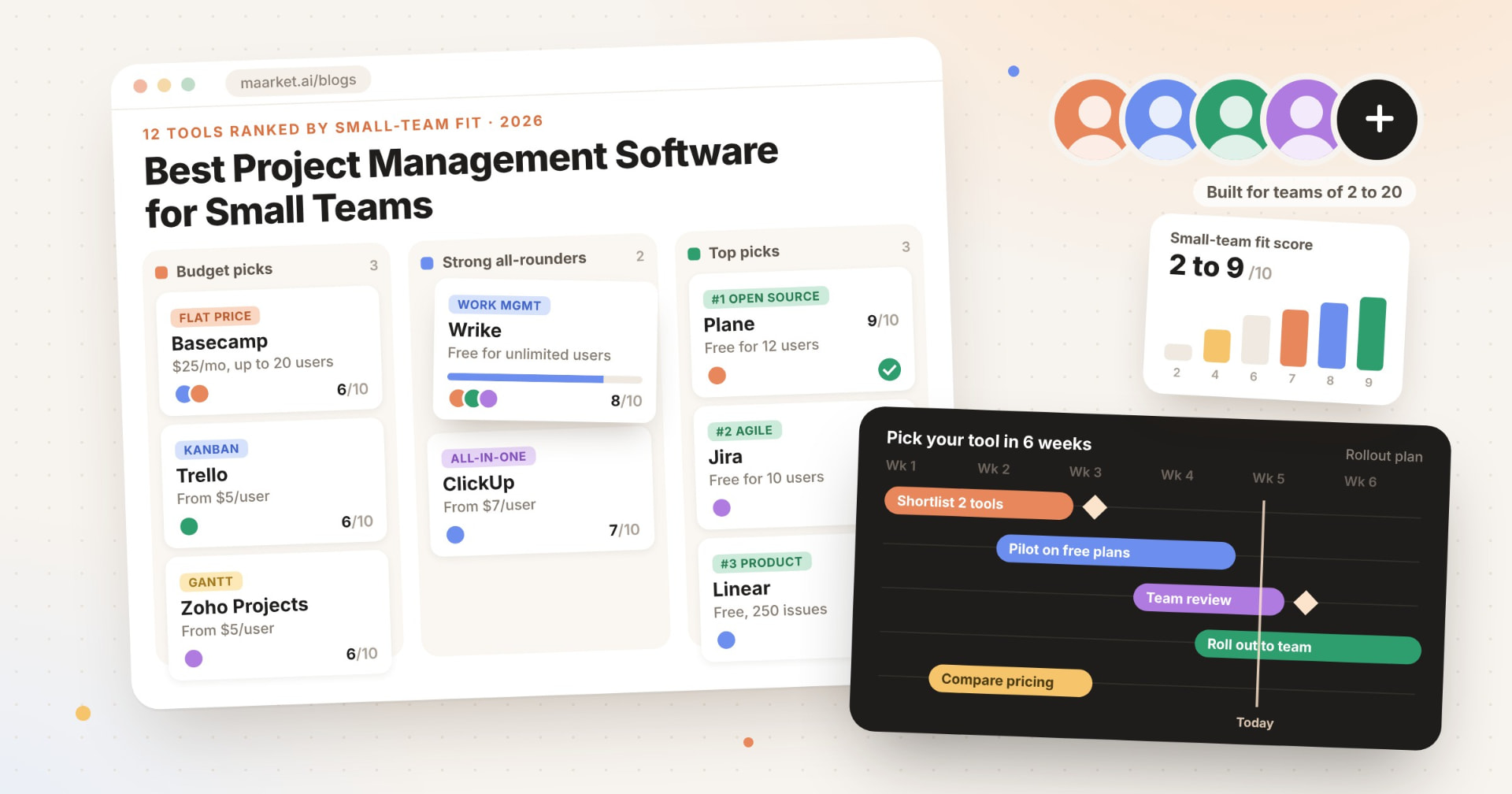
Most lists of the best project management software for small teams are quietly written for companies with a procurement team. This one ranks 12 tools by how well they fit a team of 2 to 20 people: how many people the free plan actually covers, what the first paid plan costs per person, whether you get a timeline or Gantt view without upgrading twice, and how much room the free plan leaves before it forces a decision.
Find project management tools on Maarket →
Quick Answer
The best project management software for small teams in 2026 is Plane (9/10), followed by Jira, Linear and Wrike (8/10 each). Plane wins on a free plan for up to 12 users with no stated project cap, a $6 per seat Pro plan and a timeline layout from day one. Non-technical teams should start with Wrike, ClickUp or Basecamp.
Two types of tools punch above their weight for small teams. Developer-first trackers (Plane, Jira, Linear) give away more on their free plans than general work-management suites do. Flat-priced or low-per-seat tools (Basecamp, Trello, Zoho Projects) keep a 10-person team's bill at $50 a month or less. The big-brand suites built for scale, Asana and monday.com, score lower here because their free plans stop at two people, not because they are weak products.
Why this list matters
We built this list from scratch for small teams rather than adapting an enterprise roundup. Every tool was checked live on its own pricing page on October 5, 2026, every score is computed from those published numbers using the rubric below, and tools that have shut down or are no longer maintained (Height, Taiga, Focalboard) were cut. Last reviewed: October 5, 2026.
Small-team project management software at a glance
| Stat | Value |
|---|---|
| Tools ranked | 12 |
| Tools considered and cut | 5 (3 shut down or unmaintained, 2 out of scope) |
| Top small-team fit score | 9/10 (Plane) |
| Average fit score | 6.2/10 |
| Tools with a free plan | 12 of 12 |
| Free plans with unlimited users | 3 (ClickUp, Linear, Wrike) |
| Free plans that include a timeline or Gantt view | 7 of 12 |
| Lowest entry paid price | $25/month flat for up to 20 users (Basecamp Freelancer); $5 per user/month per-seat (Trello, Zoho Projects) |
| Entry-plan cost for a 10-person team | $25 to $109.90 per month |
| Open-source, self-hostable options | 1 (Plane) |
The spread is wider than most buyers expect. Every tool here has a free plan, but free plans range from "one or two people" (Asana, monday.com, Notion) to "unlimited members" (ClickUp, Linear, Wrike). At the paid tier, the cheapest and most expensive entry plans differ by more than 4x for the same 10-person team, which is why the first paid plan matters more than the headline feature list.
12 best project management software for small teams, ranked by small-team fit
Small-team fit score (out of 10) = free plan seats (0-3) + entry paid price (0-3) + timeline/Gantt access (0-2) + free plan headroom (0-2). Full rubric in How we built this list. Prices in USD, per user per month billed annually unless noted.
| Rank | Tool | Fit score | Category | Free plan | Entry paid plan | 10-person team / month | Timeline or Gantt |
|---|---|---|---|---|---|---|---|
| 1 | Plane | 9/10 | Open-source project and issue tracking | Up to 12 users | Pro, $6 | $60 | Free plan |
| 2 | Jira | 8/10 | Agile software project tracking | Up to 10 users, 2 GB | Standard, $9.05 (monthly billing, 10 users) | $90.50 | Free plan |
| 3 | Linear | 8/10 | Product and engineering issue tracking | Unlimited members, 250 issues | Basic, $10 | $100 | Free plan |
| 4 | Wrike | 8/10 | Cross-functional work management | Unlimited users, 2 GB | Team, $10 (2-15 users; billing term not stated) | $100 | Team plan |
| 5 | ClickUp | 7/10 | All-in-one work platform | Unlimited members, 60 MB | Unlimited, $7 | $70 | Unlimited plan (Gantt) |
| 6 | Basecamp | 6/10 | Flat-price team collaboration | 1 project, 5 users | Freelancer, $25/month flat (up to 20 users) | $25 | Free plan (Lineup) |
| 7 | Trello | 6/10 | Kanban boards | Up to 10 collaborators, 10 boards | Standard, $5 | $50 | Premium plan |
| 8 | Zoho Projects | 6/10 | Budget Gantt and task planning | Up to 5 users, 3 projects | Premium, $5 | $50 | Free plan (Gantt) |
| 9 | Teamwork.com | 6/10 | Client-services project management | Up to 5 users, 5 projects | Basics, $9.99 | $99.90 | Free plan (Gantt) |
| 10 | Notion | 4/10 | Docs-first connected workspace | Individuals; block limit for 2+ members | Plus, $10 | $100 | Free plan |
| 11 | Asana | 4/10 | Work management | Up to 2 users | Starter, $10.99 | $109.90 | Starter plan |
| 12 | monday.com | 2/10 | Visual work management boards | Up to 2 seats, 3 boards | Basic, $9 | $90 | Standard plan |
Ties are broken by lower entry price, then more free seats, then alphabetically.
Project management tool profiles
1. Plane
9/10 · Open-source project and issue tracking Plane is an open-source project management tool with cycles, modules, pages and five layouts, including a timeline. The cloud Free plan covers 12 users, Pro costs $6 per seat yearly, and you can self-host it. Best suited for product and engineering teams wanting structure without heavy overhead.
2. Jira
8/10 · Agile software project tracking Jira is Atlassian's project tracker for software teams, with backlog, board, list, timeline and calendar views. Free covers 10 users with 2 GB storage, and Standard shows $9.05 per user monthly at 10 users. Best suited for small dev teams running Scrum or Kanban that expect to grow.
3. Linear
8/10 · Product and engineering issue tracking Linear is an issue tracker built around issues, projects, cycles and initiatives. The Free plan allows unlimited members but caps you at 2 teams and 250 issues, which a busy team will hit. Basic is $10 per user yearly. Best suited for startup product teams that value speed.
4. Wrike
8/10 · Cross-functional work management Wrike is a work management platform with table, Kanban, calendar and Gantt views. Free supports unlimited users with 2 GB per account, and Team costs $10 per user for 2 to 15 users, adding calendar and Gantt. Best suited for marketing, ops or agency teams needing structured plans.
5. ClickUp
7/10 · All-in-one work platform ClickUp combines tasks, docs, chat and AI in one workspace. The Free Forever plan allows unlimited members but limits storage to 60 MB and Gantt to a trial. Unlimited costs $7 per user yearly and unlocks unlimited Gantt charts. Best suited for teams that want one tool to replace several.
6. Basecamp
6/10 · Flat-price team collaboration Basecamp is a project collaboration app priced per account, not per seat. Free includes 1 project for 5 users, and Freelancer is $25 a month for up to 20 users and 3 active projects. Its Lineup puts every project on one timeline. Best suited for teams avoiding per-seat bills.
7. Trello
6/10 · Kanban boards Trello is Atlassian's kanban board tool. Free covers up to 10 collaborators and 10 boards per Workspace, and Standard costs $5 per user yearly. Calendar, timeline and table views need Premium at $10 per user. Best suited for teams whose work fits "to do, doing, done."
8. Zoho Projects
6/10 · Budget Gantt and task planning Zoho Projects is a planning tool from the Zoho suite with Gantt charts on every plan, including Free. Free supports 5 users and 3 projects with 5 GB storage, and Premium is $5 per user yearly with timesheets. Best suited for budget-conscious teams that need real scheduling.
9. Teamwork.com
6/10 · Client-services project management Teamwork.com is project management built for client work, with list, board, Gantt and table views. Free covers 5 users and 5 projects with time logging, and Basics is $9.99 per user yearly with billable time tracking. Best suited for agencies and consultancies billing by the hour.
10. Notion
4/10 · Docs-first connected workspace Notion is a connected workspace for docs, wikis and project databases with board, timeline and calendar views. Free is aimed at individuals, with a block limit once 2 or more members join. Plus is $10 per member yearly. Best suited for teams that live in docs.
11. Asana
4/10 · Work management Asana is a work management platform for organizing projects, tasks and goals. The free Personal plan is for one or two people, with list, board and calendar views. Starter costs $10.99 per user yearly and adds timeline and Gantt. Best suited for teams ready to pay from day one.
12. monday.com
2/10 · Visual work management boards monday.com is a visual work management platform built on customizable boards. Free allows 2 seats and 3 boards, and Basic starts at $9 per seat yearly. Timeline, Gantt and calendar views start on Standard at $12 per seat. Best suited for growing teams that want dashboards.
What types of project management software should small teams consider?
| Category | Representative tools |
|---|---|
| Developer-first issue trackers | Plane, Jira, Linear |
| All-in-one work platforms | ClickUp, Notion |
| Structured work management suites | Wrike, Asana, monday.com |
| Kanban boards | Trello |
| Flat-price collaboration | Basecamp |
| Gantt-first planning on a budget | Zoho Projects |
| Client-services and agency PM | Teamwork.com |
| Open-source and self-hosted | Plane |
Why small-team fit matters more than feature count
For a team of 2 to 20, the real cost of project management software is not the feature you never use, it is the upgrade you are forced into. A free plan that covers 2 people means a 6-person team pays from day one. A timeline view locked two tiers up means paying for "Premium" just to see a deadline on a chart. The fit score rewards tools that let a small team do real planning before the invoice shows up.
There is a trade-off with how most buyers find these tools. Static "top 10" lists and launch-day buzz tell you what was popular once, not what small teams keep using six months later. That is why Maarket ranks products on continuous signals (reviews, recommendations, "I use this" flags and real usage, tracked as Karma Points) instead of one-off launch spikes. Use this list for the pricing math, then check which tools teams like yours actually stick with.
A mixed strategy usually beats optimizing one number. The cheapest tool can cost more if it caps projects at three, and the most generous free plan can still fail if your team needs Gantt dependencies. Shortlist two tools from different categories, run one real project in each for two weeks, and compare what you had to work around. Our guide on how to choose a project management tool without overbuying walks through that pilot step by step.
How we built this list
We started with a broad search across mainstream leaders, challengers, open-source projects and newer entrants, plus Maarket's Project and Task Management category. Every pricing, seat-limit and view claim was checked on the vendor's own pricing page or help docs on October 5, 2026; JavaScript-rendered pricing pages were read in a live browser. Each tool was then scored on four published facts: free plan seats (unlimited = 3, 10 to 12 users = 2, 5 users = 1, 2 users or individuals only = 0), entry paid price per user per month for a 10-person team (up to $6 = 3, up to $10 = 2, up to $15 = 1, above $15 = 0; flat prices divided by 10), timeline or Gantt access (free plan = 2, entry paid plan = 1, higher tier only = 0) and free plan headroom (no stated project, board or issue cap = 2; moderate caps such as 10 boards, 5 spaces or 250 issues = 1; 3 or fewer projects or boards, or block limits for teams = 0). Jira's price was read at 10 users with monthly billing because its calculator shows that view by default; annual billing is up to 17% cheaper. We excluded Height (shut down in 2025), Taiga and Focalboard (no longer actively maintained) and left out Todoist and Airtable as task-list and database tools rather than project management software. No tool on this list is a Maarket client.
Last reviewed: October 5, 2026
Frequently asked questions
What is the best project management software for small teams?
Plane is the best project management software for small teams in Maarket's 2026 ranking, scoring 9/10 for small-team fit. Plane's free plan covers up to 12 users, includes a timeline layout and lists no project cap, and Pro costs $6 per seat yearly. Jira, Linear and Wrike follow at 8/10 each.
What is the best free project management software for small teams?
Wrike, ClickUp and Linear offer free plans with unlimited users, while Plane (12 users), Jira (10 users) and Trello (10 collaborators) cover most small teams. Jira's free plan stands out because it includes timeline and calendar views with no project cap, though storage is limited to 2 GB.
How much does project management software cost for a small team?
For a 10-person team, entry paid plans in this ranking cost between $25 and $109.90 per month as of October 2026. Basecamp's flat $25 Freelancer plan is cheapest overall, Trello and Zoho Projects cost $5 per user, and Asana Starter is the most expensive entry plan at $10.99 per user billed yearly.
Which project management tool is best for a small software team?
Plane, Jira and Linear are the strongest project management tools for small software teams. Plane suits teams that want open source and self-hosting, Jira suits teams running Scrum or Kanban that expect to scale, and Linear suits fast-moving startup product teams, though Linear's free plan caps usage at 250 issues.
Is there open-source project management software for small teams?
Yes. Plane is open-source project management software that small teams can self-host or use as a cloud service with a free plan for up to 12 users. Older open-source tools such as Taiga and Focalboard are no longer actively maintained, so Maarket excluded them from this 2026 ranking.
Do small teams need Gantt charts in a project management tool?
Small teams need Gantt or timeline views when work has fixed deadlines or dependencies, such as launches or client projects. Zoho Projects, Teamwork.com and Jira include them on free plans. Teams doing ongoing kanban-style work, like support or content, can usually skip Gantt and use a board view.
When should a small team upgrade from a free project management plan?
A small team should upgrade when the free plan blocks real work: hitting a seat limit, a project or issue cap, or a storage ceiling, or needing a locked view such as Gantt. Upgrade the tool you already use first, because migrating projects mid-quarter usually costs more time than the subscription saves.
Should a small team use one project management tool or several?
Most small teams should standardize on one project management tool so tasks, owners and deadlines live in one place. A second tool makes sense only for a clearly separate workflow, such as engineers in Linear or Jira while marketing uses Trello, with an integration or a shared weekly update linking the two.
Looking for a project management tool your team will actually keep using?
Maarket ranks software on continuous signals from real teams (reviews, recommendations and "I use this" flags), not one-off launch spikes, so the tools that small teams stick with keep rising.
Browse project management tools on Maarket →
Building one yourself? List your product on Maarket →
Related reading: Best Small Business Tools in 2026: 12 Tools Compared · The 100 Most Searched Software Products in 2026